Generate a render of the finished job in seconds.
Upload one photo of any house, room, or yard — or a construction detail drawing. Get a photorealistic result in about 15 seconds, the visual that used to cost $500 and take a week.
Drop a photo, or click to upload
A house exterior, kitchen, bath, yard, or any space. Straight phone photos work great — we resize it for you.
JPG · PNG · HEICOptional. Tell us anything specific you want — we'll work with whatever you upload and follow your notes.
Powered by Platineer AI · ~15s
Snap the existing space
A quick phone photo on the walkthrough — exterior, kitchen, bath, whatever you're bidding.
Add any notes
Type anything specific you want changed. The render keeps the same view and angle as your photo or drawing.
Show the client the after
Drop the before/after in your proposal. They picture the finished job — and you close the bid.
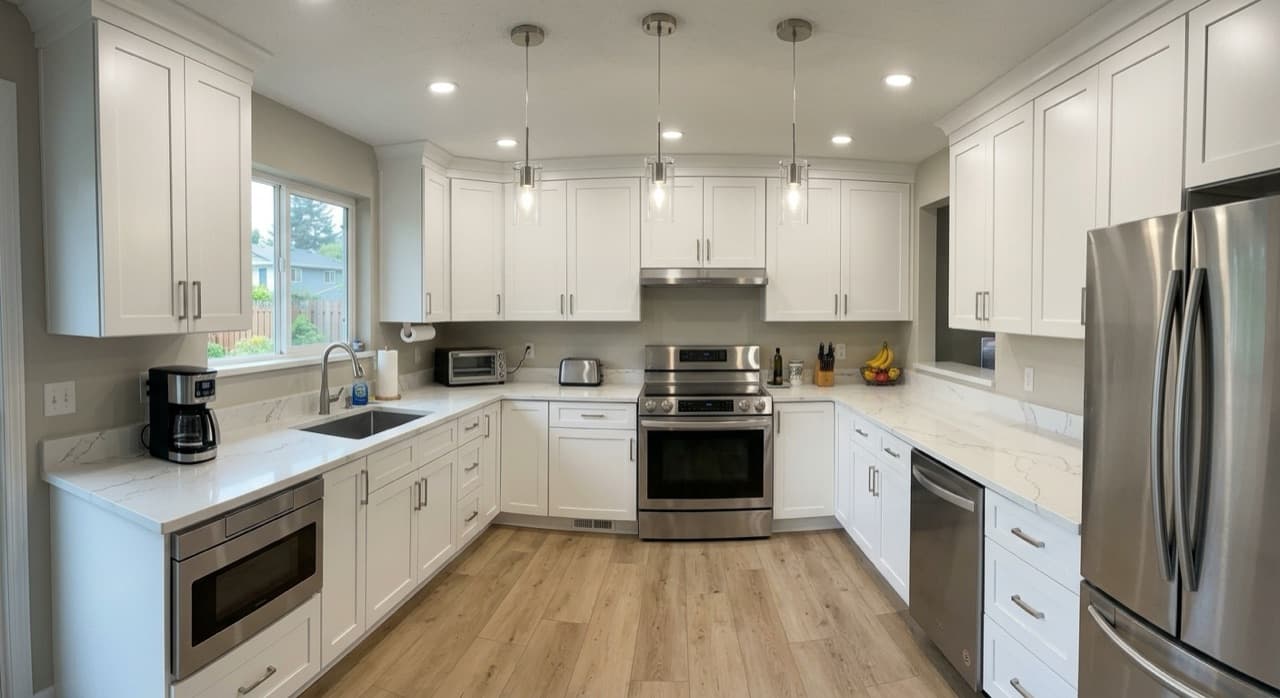
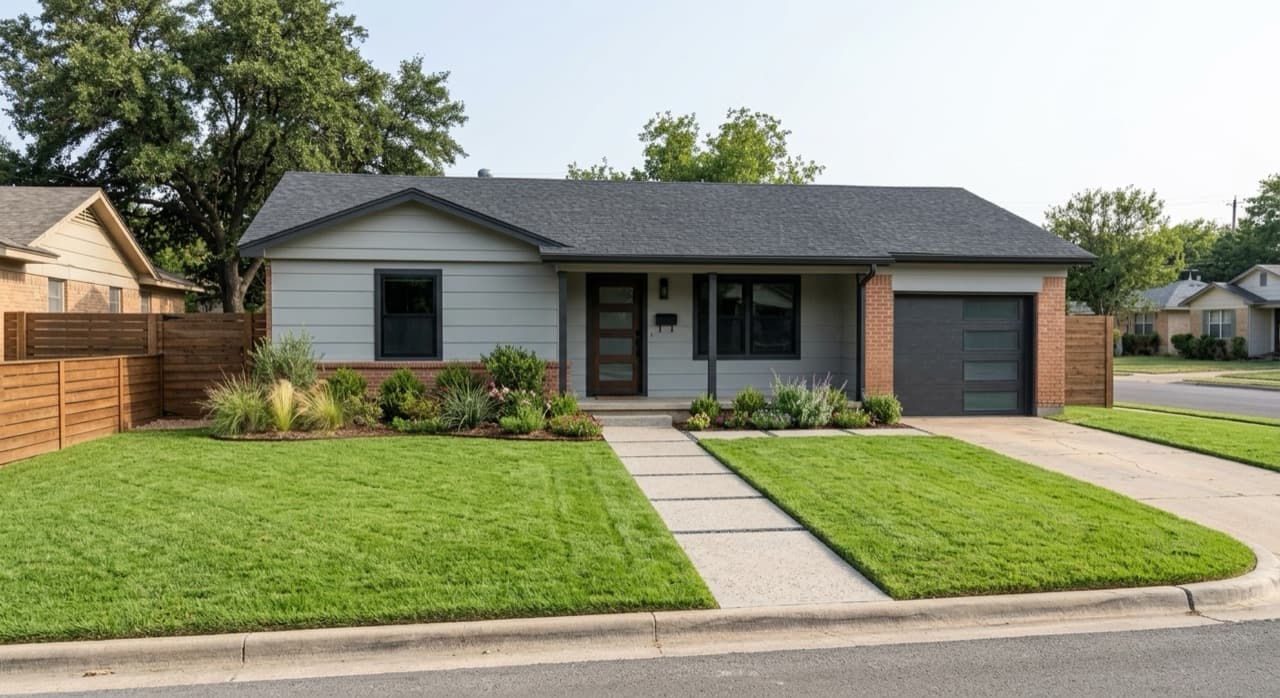
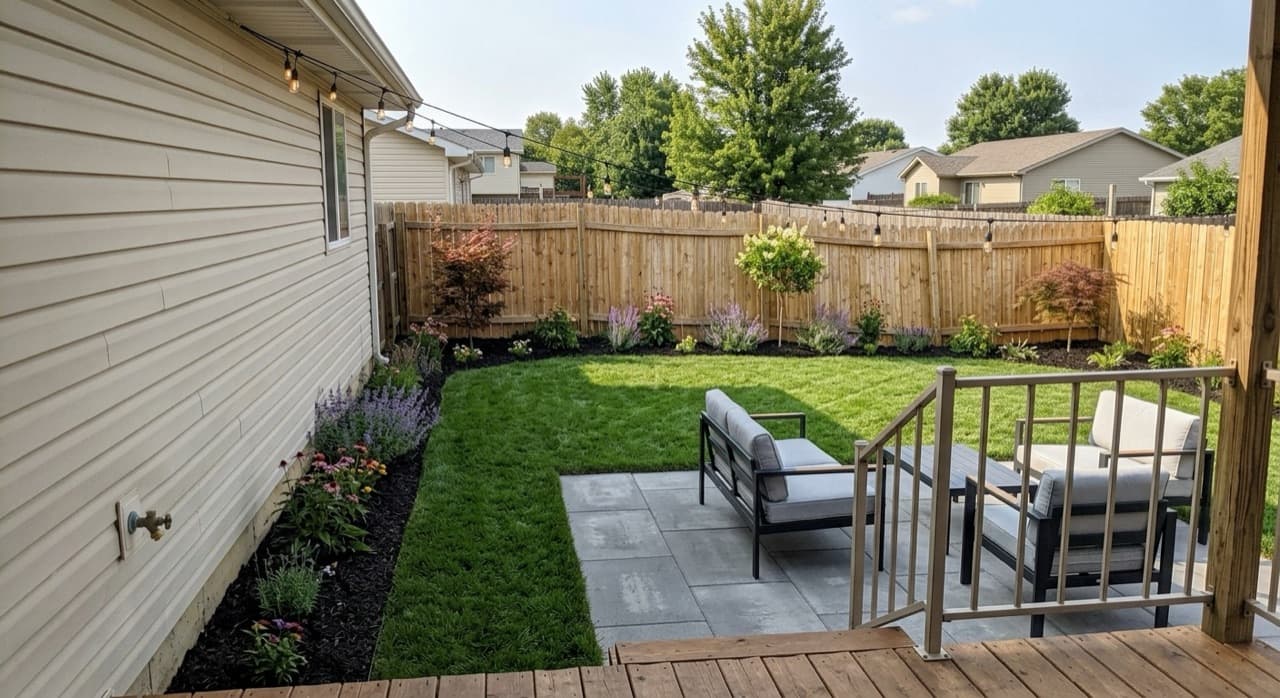
Before and after examples
Real renders generated with this tool, from a single phone photo.
FAQ
How fast is the AI construction renderer?
About 15 seconds. Upload a photo or drawing, add any notes, and get a finished render back. Powered by Platineer AI.
What can I upload?
A phone photo of any house, room, yard, or exterior — even a rough sketch or a listing screenshot — or a 2D construction detail drawing (window, roof eave, foundation, parapet, etc.). The tool works with whatever you upload.
How does it handle a 2D detail drawing?
It reconstructs the assembly as a photorealistic isometric in the same orientation as your drawing, with the original annotations preserved — real brick, insulation, concrete, lumber and finishes instead of CAD line-work.
Does the render keep the same view as my photo?
Yes. For a real photo, the render keeps the exact same camera angle and framing so it reads as a true 'after' of the same space. For a drawing, it stays in the drawing's orientation, just tilted into 3D.
How long does a render take?
About 15 seconds. Renderings traditionally cost $300–$800 and take a week — this is instant.
Can I use the render with my clients?
Yes. Show the before/after in your proposal to close the bid. Sign up for access to get the full-resolution file and keep iterating on it in the Platineer app.