2. Chaos Enscape
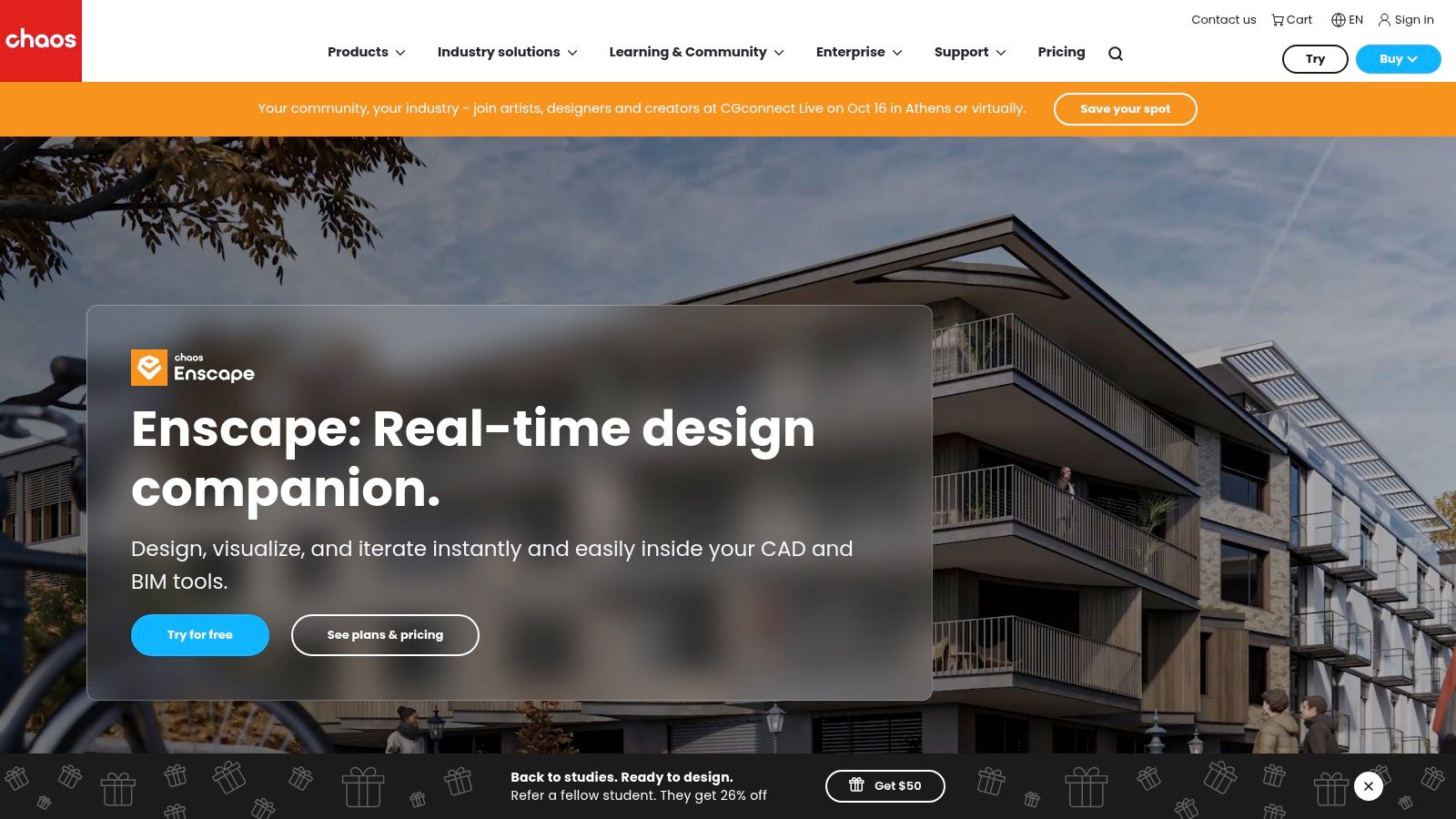
Chaos Enscape is the practical choice for teams that want a live visual directly beside the BIM or CAD model. It runs inside Revit, SketchUp, Rhino, Archicad, and Vectorworks, so users can inspect design changes without exporting and rebuilding a separate scene. That makes it especially useful for coordination meetings, option reviews, and construction conversations where the model changes frequently.
Live synchronization is the central advantage. A contractor or designer can adjust geometry or materials in the host application and see the result in the rendering window. That reduces duplicate scene maintenance, although the quality of the output still depends on clean model organization, sensible materials, and disciplined file hygiene.
Where it saves estimating time
Enscape is strongest when the team needs a usable visual quickly and repeatedly. A project manager can use a live view to discuss layout, circulation, finishes, or site context without waiting for an offline production pass. VR exports and QR-code sharing extend the same workflow to stakeholder walkthroughs, while OpenStreetMap-based site context helps teams review massing and surroundings early.
The built-in asset library and cloud collaboration features also reduce the need to assemble every presentation element manually. Those conveniences don't eliminate review work, but they can reduce the time spent preparing a model for a meeting.
Limitations
Enscape has a lower photorealism ceiling than specialist offline engines such as V-Ray or Corona when the goal is a hero image for a major proposal or marketing package. It also relies heavily on the host model's material and object structure. Poorly prepared BIM data can produce a fast but unconvincing visual.
Hardware demands are generally lighter than offline ray-tracing workflows, but teams still need to test larger models on the computers their staff use. See Chaos Enscape for host compatibility and current product details.
3. Lumion Pro
Lumion Pro is designed for teams that need polished construction visuals without building every scene from scratch. Its strength is scene assembly. Large libraries of nature, people, materials, and outdoor elements let users move quickly from a basic model to an owner-facing exterior, animation, or 360-degree presentation.
LiveSync connects Lumion with major CAD and BIM applications, while a PBR workflow supports more believable material response. For builders and design-build firms, the tool is particularly useful when the site and surrounding environment influence client understanding. Vegetation, terrain, weather, and exterior context can communicate more than a bare building model.
A presentation-first workflow
Lumion suits teams that regularly create stills, videos, and immersive presentations. Its animation and effects tools help transform a technical model into a persuasive owner packet or sales presentation. Built-in AI functions for image enhancement, material generation, and upscaling can speed finishing tasks, though the team still needs to confirm that generated materials reflect the actual specification.
The cost question isn't only the software subscription. Teams should account for Windows hardware, model transfer, scene organization, and the time required to maintain a consistent asset library. If a project changes after the scene is populated, someone must check that the visual still reflects the current design.
A fast scene is only valuable if the estimator can trust its relationship to the current model and scope.
Lumion is Windows-only, which can affect firms with mixed operating systems. Files from older releases also aren't backwards-compatible with the latest release, creating a forward-only compatibility constraint that should be considered before standardizing a team archive. For a related view of render workflow economics, see how construction teams can use render tools.

4. Twinmotion from Epic Games
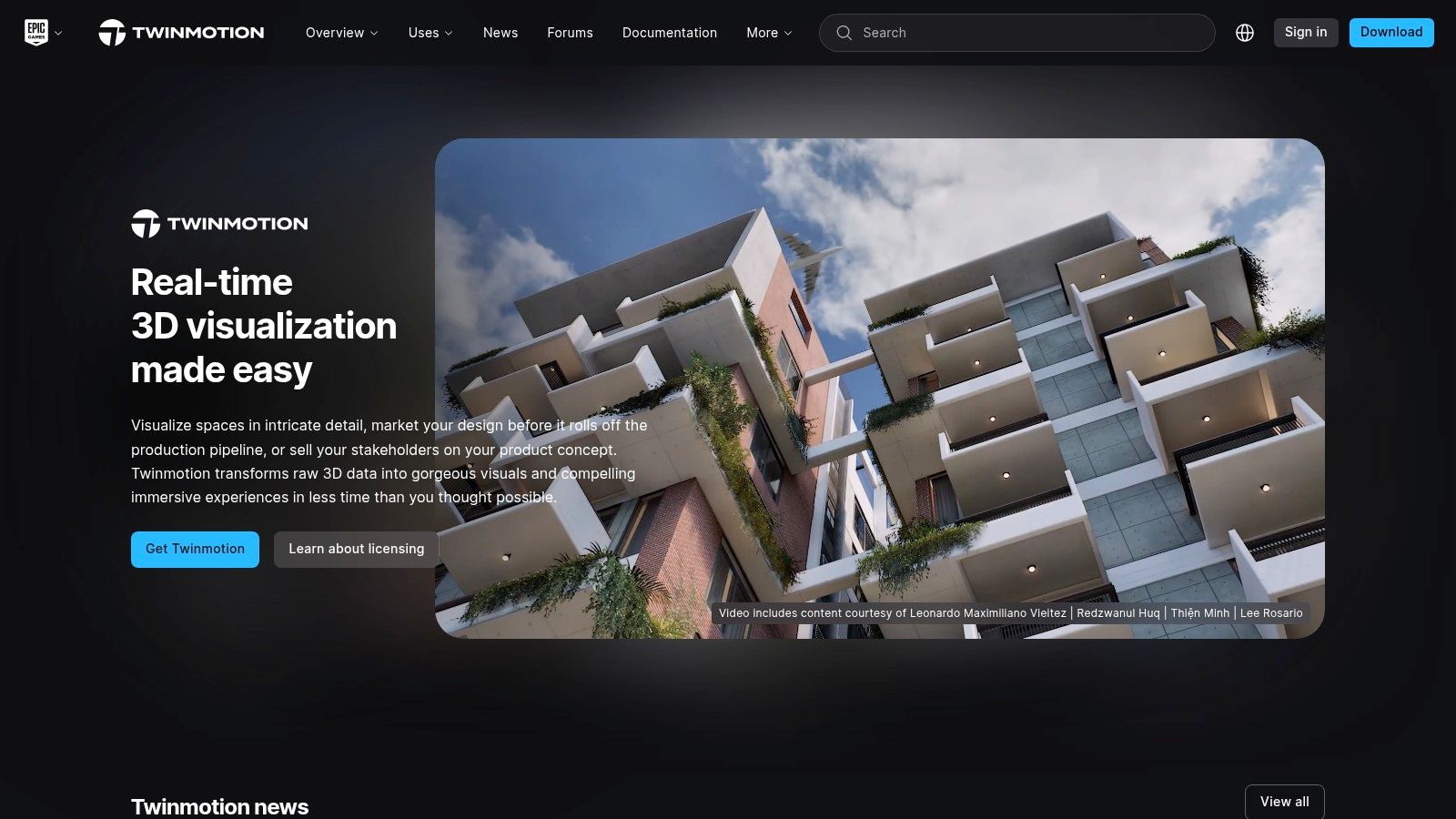
Twinmotion is a strong entry point for firms that need real-time construction visualization with limited training overhead. Built on Unreal Engine technology, it uses drag-and-drop scene building, straightforward BIM and CAD import, and one-click cloud sharing. That combination makes it useful for preconstruction visuals, owner reviews, and early design communication.
The pricing decision is unusually accessible. Twinmotion is free for individuals and businesses with annual revenue under $1 million, and it's also free for students and educators, according to the product plan information. That can make it attractive for smaller contractors testing whether real-time visualization deserves a place in their sales or estimating workflow.
An upgrade path without immediate complexity
Twinmotion offers weather, season, and time controls that help users communicate site conditions without deep technical setup. Its asset library supports rapid scene population, and Datasmith provides a route into Unreal Engine when a project eventually needs custom interaction or a more advanced visualization pipeline.
That progression is valuable for firms that don't yet have technical artists. A team can begin with fast owner-facing images and later involve specialists for digital twins, interactive walkthroughs, or complex presentations.
What it won't replace
Twinmotion isn't a substitute for every specialist renderer. Its asset realism and vegetation depth trail dedicated libraries, and its material and shader control is less extensive than full Unreal Engine or V-Ray. Large scenes still require model discipline and capable hardware.
For most construction teams, the key question is whether the output is clear enough to support a decision. If the answer is yes, Twinmotion can provide strong workflow value without forcing the firm into a high-skill production pipeline. Review the Twinmotion platform for licensing and compatibility details.
5. D5 Render
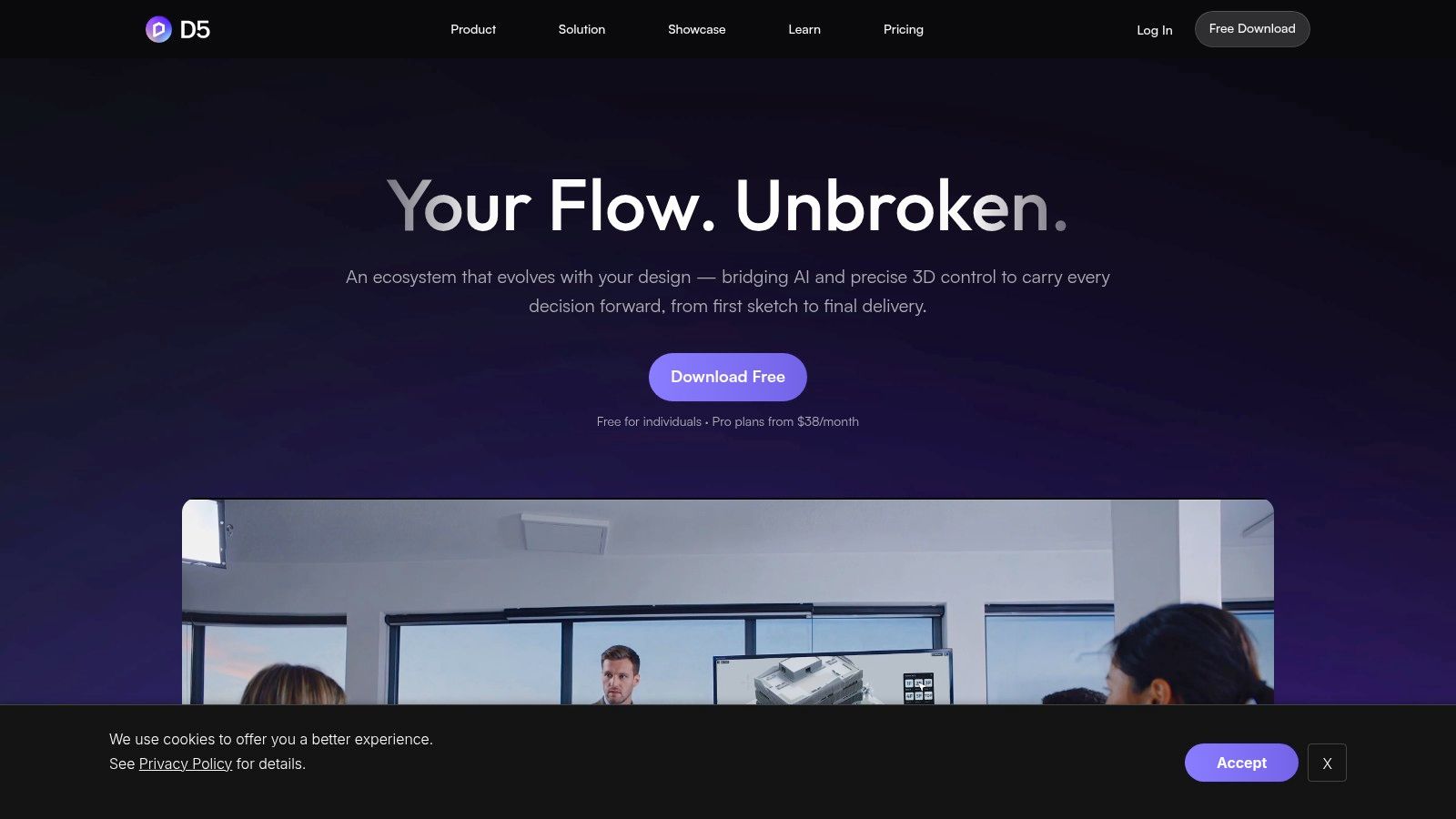
D5 Render targets teams that want rapid iteration with a convincing visual result. Its GPU-based real-time workflow supports Revit, SketchUp, Rhino, 3ds Max, Cinema 4D, Archicad, Blender, and other design environments through plugins. That broad compatibility makes it a useful middle ground for firms handling several file types across design, estimating, and presentation.
Geographic sun and sky controls, terrain and ocean tools, and scatter, brush, and path functions help users build site-aware scenes quickly. Panorama, spatial, and XR tours can turn a presentation into an interactive review rather than a sequence of still images. For client work, that can clarify circulation and context. For estimating, it can help expose the practical implications of a design option before the team invests in final production.
Collaboration and plan controls
D5 includes team libraries, multi-editor scene work, and cloud collaboration features. Those capabilities can reduce handoff friction when multiple staff members contribute to the same visual package. They also introduce a plan-management issue. Pro and Teams functions, along with some tour and cloud features, are gated by the selected plan.
A smaller remodeling team may value the speed and simple presentation mode more than advanced collaboration. A regional contractor with several offices should evaluate permissions, shared assets, and how the team handles version control before committing.
Hardware is part of the price
D5 is hardware-sensitive with very large scenes and heavy projects. A subscription that looks affordable can create hidden cost if staff need GPU upgrades or if scenes must be simplified before review. That doesn't make D5 a poor choice. It means the firm should test representative models, not only a clean demonstration file.
See the D5 Render product for current plan and plugin information.
6. Chaos V-Ray
Chaos V-Ray remains the option for teams that prioritize top-tier photorealism over the shortest learning curve. It supports Revit, SketchUp, Rhino, 3ds Max, Cinema 4D, and Blender, giving studios flexibility across BIM, modeling, and visualization environments. Its physically based CPU, GPU, and hybrid rendering modes, along with denoising, provide control over demanding final images.
That control matters for RFP packages, premium marketing material, and owner presentations where lighting, reflections, material behavior, and composition need close attention. V-Ray's materials and asset ecosystem can support complex construction and BIM models, but the team pays for that flexibility through setup, training, and production oversight.
The economics of hero imagery
V-Ray is rarely the most efficient tool for every internal review. A live renderer may be better for quick coordination, while V-Ray handles the final proposal image. This two-stage pipeline can be more economical than forcing every project update through a high-quality offline render.
V-Ray also offers real-time viewport options through V-Ray Vision and Vantage, plus cloud rendering services. These features can reduce some bottlenecks, but they don't remove the need for skilled scene preparation. Materials, cameras, lighting, asset placement, and output settings still require an experienced operator.
Budget the whole pipeline: host software, training, scene cleanup, render time, cloud services, and revision management all affect the cost of a V-Ray image.
The best fit is a construction or architecture team with recurring demand for high-end visuals and staff who can maintain a production workflow. For occasional sales images, a simpler tool may create more value per hour. Explore Chaos V-Ray for supported hosts and capabilities.
7. Chaos Corona
Chaos Corona takes a more artist-friendly route to photorealistic architectural imagery. It's available for 3ds Max and Cinema 4D, with intuitive controls, LightMix, scatter tools, and procedural skies and clouds. The workflow is well suited to interiors and exteriors where natural lighting and material consistency matter more than live BIM iteration.
Interactive rendering helps artists develop a look without waiting for every adjustment to finish. Corona's restrained control set can be an advantage for teams that want high-quality results without learning a large collection of technical parameters. It still requires an operator who understands lighting, composition, materials, and model preparation.
Strong for proposals, less direct for BIM review
Corona fits the final-presentation stage. It can create the kind of hero image that supports a premium proposal or owner packet, but it isn't a live-in-BIM renderer like Enscape. If a Revit user changes the design, the update must move through the host and visualization pipeline rather than appearing as a continuously synchronized review.
The host requirement also adds cost and operational complexity. A firm that doesn't already use 3ds Max or Cinema 4D must evaluate the host license, training, file handoffs, and staff availability alongside Corona itself. That total cost can outweigh the visual benefit when the primary task is rapid lead qualification or frequent scope revisions.
Vantage interoperability provides a route to real-time exploration, and Chaos is expanding AI-assisted capabilities around its ecosystem. Those additions don't change Corona's basic position in the workflow. It remains a dedicated high-quality renderer rather than a lightweight construction estimating tool.
Visit Chaos Corona to assess the supported host applications and rendering workflow.
8. Unreal Engine for AEC
Unreal Engine is the highest-ceiling option in this comparison. It supports interactive construction visualization, digital twins, large-scale stakeholder reviews, and custom applications that go beyond a rendered image. Datasmith enables non-destructive import from Revit, SketchUp, 3ds Max, Rhino, and Cinema 4D, which gives technical teams a route from established design files into a real-time environment.
Pixel Streaming can deliver interactive experiences through the web, while multi-user editing supports collaborative reviews. Hybrid ray tracing and raster rendering allow teams to balance visual fidelity with interactive performance. These capabilities are valuable when a project needs a navigable environment, custom controls, or repeated stakeholder access rather than a few still images.
Technical investment is unavoidable
Unreal Engine is free for architectural visualization and other non-game linear content, but software cost isn't the main barrier. Pipeline setup, content management, optimization, lighting, materials, interaction design, and technical artistry require specialized capability. A contractor that only needs a quick client visual may spend more on labor than the image is worth.
The platform makes sense for organizations building a repeatable AEC visualization capability, digital twin service, or complex interactive review process. It can also be the destination for a Twinmotion workflow that outgrows simple scene assembly.
BIM coordination still depends on disciplined source data and a reliable handoff process. Teams should define who owns model updates, imported content, material standards, and performance testing before making Unreal central to project communication. A clear understanding of what BIM means in construction helps establish that foundation.
9. Chief Architect Premier X18
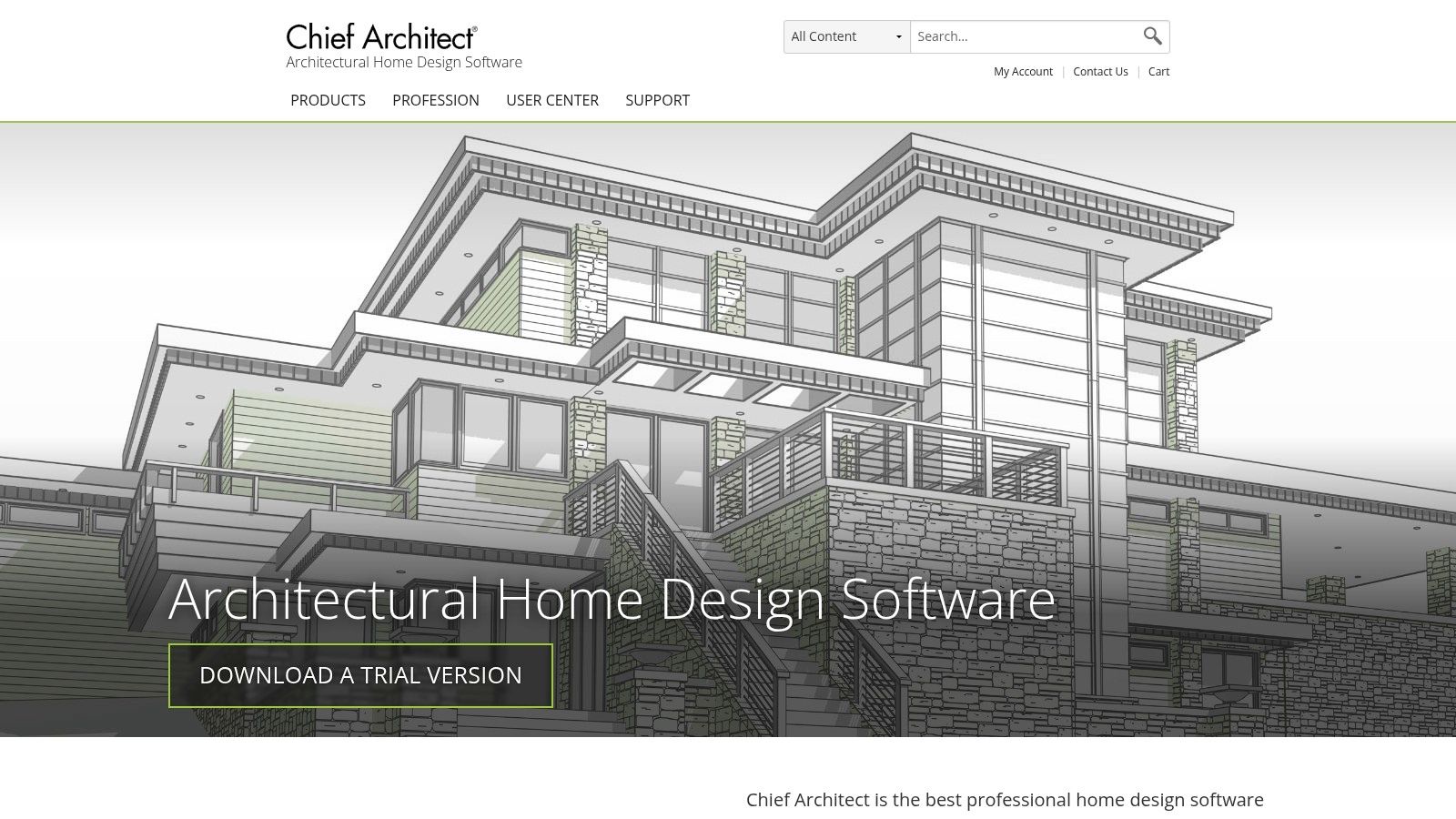
Chief Architect Premier X18 is less a standalone renderer than a residential and light-commercial design and documentation platform with rendering built in. That distinction matters for remodelers and design-build firms. The same environment supports 2D and 3D modeling, automatic framing, roof tools, material lists, and construction document sets, then produces presentation imagery from the design.
For a residential team, the value comes from reducing application changes. Plans, schedules, visuals, and client documents can stay connected within one workflow. That can shorten the path from measured information to a conversation about finishes, layout, and construction intent.
Efficient for remodelers
Chief Architect is often a better fit than general BIM software when the work centers on homes, additions, kitchens, baths, and light commercial projects. Its modeling workflow can be faster for those use cases, especially when the team needs documentation and visualization rather than a cinematic marketing image.
The trade-off is output flexibility. Dedicated offline engines such as V-Ray and Corona offer more control and a higher ceiling for final imagery. Chief Architect's subscription model also needs to be evaluated against the firm's existing design and documentation stack. A Windows-first workflow may create friction for teams using other operating systems.
Chief Architect is most economical when the same staff member needs to produce drawings and client visuals. It is less attractive when a firm already has a strong BIM system and only wants a specialist render engine. Review Chief Architect Premier for its design, documentation, and rendering capabilities.
10. Cedreo
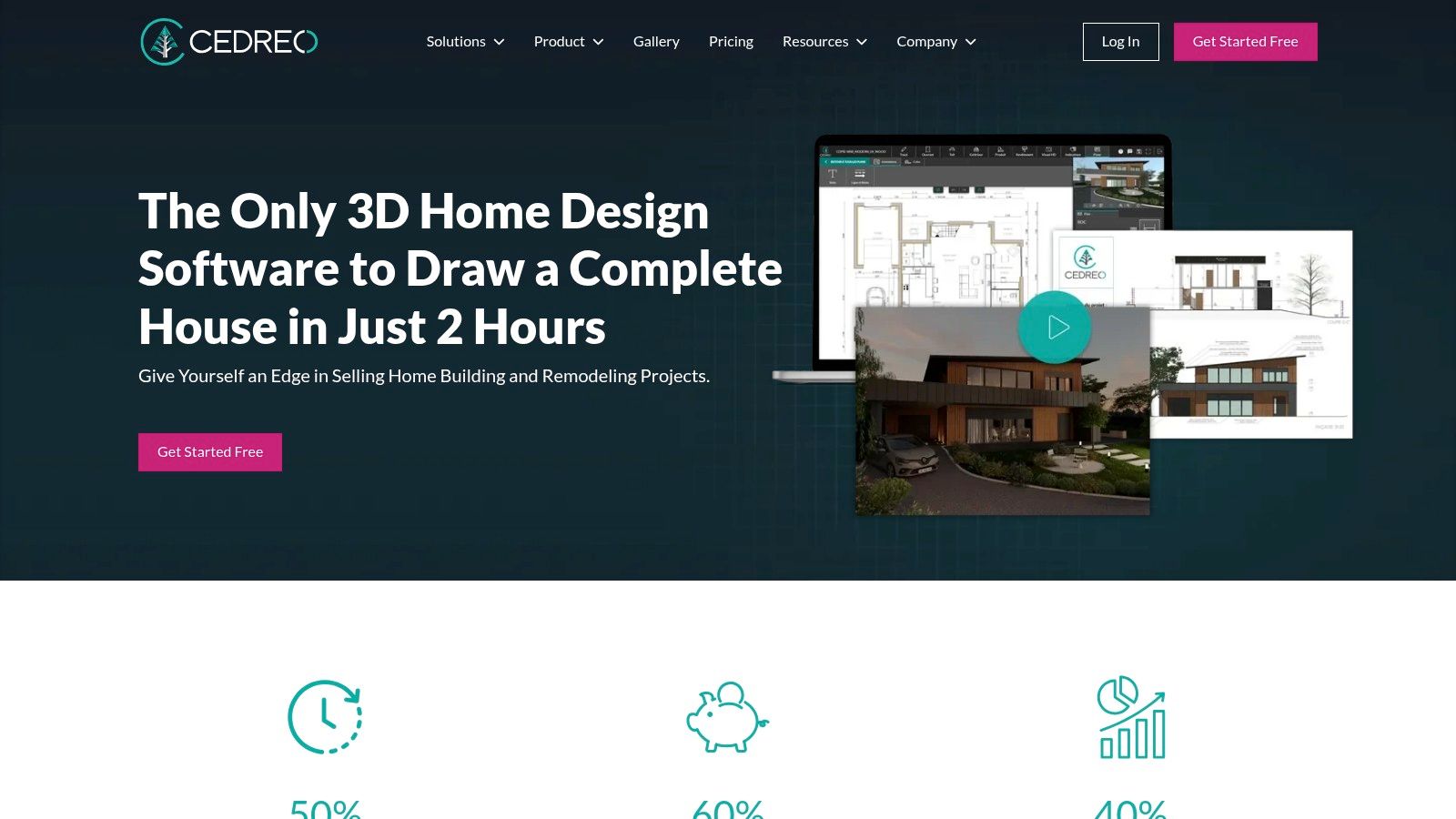
Cedreo is built for builders, remodelers, and contractors who need clear visuals without adopting a heavy BIM stack. It runs in a browser and combines floor planning, site planning, 3D visualization, presentation documents, and blueprint downloads. Sales staff and design-assist teams can adopt it without the installation and technical setup associated with a full offline rendering pipeline.
The browser-based model also changes the hardware equation. Teams can access projects without maintaining a dedicated workstation for every user, although browser performance, account access, and project organization still need operational attention. A free tier provides a way to try the workflow, while rendering credits and collaboration capabilities vary by plan.
Speed over maximum control
Cedreo's learning curve is one of its strongest advantages. A contractor can use it to explain a proposed remodel or home design during a sales process, create a visual proposal, and share the result with a client without requiring a visualization specialist.
That accessibility comes with clear limits. Cedreo offers less control and photorealism than professional offline engines, and it isn't designed for complex BIM coordination or heavy technical workflows. Teams working with detailed structural, MEP, or multi-disciplinary models should treat it as a sales and design-assist tool, not a replacement for their coordination platform.
The right test is whether the output supports an approval or scope conversation. If the client needs to understand layout, finishes, and overall appearance, Cedreo may be sufficient. For a quick remodeling visual, compare that workflow with Platineer's kitchen remodel render tool.
Visit Cedreo for current browser, plan, and collaboration details.
Top 10 Construction Rendering Software Comparison
| Product |
Core features |
Quality & Speed (★) |
Price & Value (💰) |
Target & USP (👥 ✨) |
| 🏆 Platineer, Render |
AI renders + auto-drafted scope; integrated permits, plats, plan-review leads; morning briefs |
★★★★★, near-instant renders + real-time scoring |
💰 Subscription; priority rendering queue for subscribers |
👥 GCs & trades (Houston/Austin/DFW) ✨ Auto-scope + lead-contextualized job packages; early-pipeline visibility |
| Chaos Enscape |
Live in‑host real‑time sync, VR/QR sharing, asset library |
★★★★☆, instant in‑BIM visualization |
💰 Per-seat plugin/licensing |
👥 Revit/SketchUp users; ✨ one-click live sync & VR walkthroughs |
| Lumion Pro |
Real‑time stills, animations, 10k+ assets, PBR workflow |
★★★★☆, very fast scene building |
💰 License/subscription (Pro tiers) |
👥 Architects/visualization teams; ✨ strong landscape & animation tools |
| Twinmotion (Epic) |
Easy BIM ingest, cloud sharing, large asset library, Datasmith path to Unreal |
★★★★☆, fast + simple |
💰 Free for <$1M revenue; affordable upgrades |
👥 Small firms & owners; ✨ low learning curve + Unreal upgrade path |
| D5 Render |
GPU PBR, AI-assisted tools, panoramas/XR tours, team library |
★★★★☆, rapid photoreal iteration |
💰 Freemium → Pro/Teams gated features |
👥 BIM/DCC users wanting speed; ✨ interactive tours & cloud collaboration |
| Chaos V-Ray |
CPU/GPU hybrid PBR, deep material/lighting controls, denoising |
★★★★★, benchmark photorealism |
💰 Higher-cost per-seat/cloud rendering |
👥 High-end visualization studios; ✨ top-tier realism for RFP/marketing |
| Chaos Corona |
Intuitive artist workflow, interactive rendering, LightMix |
★★★★☆, consistent high-end look |
💰 License (host app required) |
👥 Interior/exterior visualizers; ✨ fast look-dev with natural lighting |
| Unreal Engine (for AEC) |
Datasmith import, Pixel Streaming, multi-user editing, hybrid ray tracing |
★★★★★, unlimited fidelity when scaled |
💰 Free for internal AEC use; enterprise options |
👥 Complex digital twins & interactive experiences; ✨ full custom real‑time engine |
| Chief Architect Premier (X18) |
2D/3D modeling, automatic framing, docs + integrated rendering |
★★★☆☆, solid for residential workflows |
💰 Subscription/license (Windows-first) |
👥 Remodelers/design‑build firms; ✨ plans + visuals in one tool |
| Cedreo |
Browser-based 2D/3D home design, presentation docs, quick renders |
★★★☆☆, fast & easy for proposals |
💰 SaaS with free tier & rendering credits |
👥 Small builders/sales teams; ✨ no-install, sales-focused visuals |
Match the Renderer to the Money-Making Task
There isn't one universal winner in construction rendering software. The best choice depends on where the firm loses time. A business development team that needs to qualify leads has a different requirement from a visualization studio producing final proposal imagery. A remodeler preparing a client conversation needs a different system from a contractor coordinating a complex BIM model across disciplines.
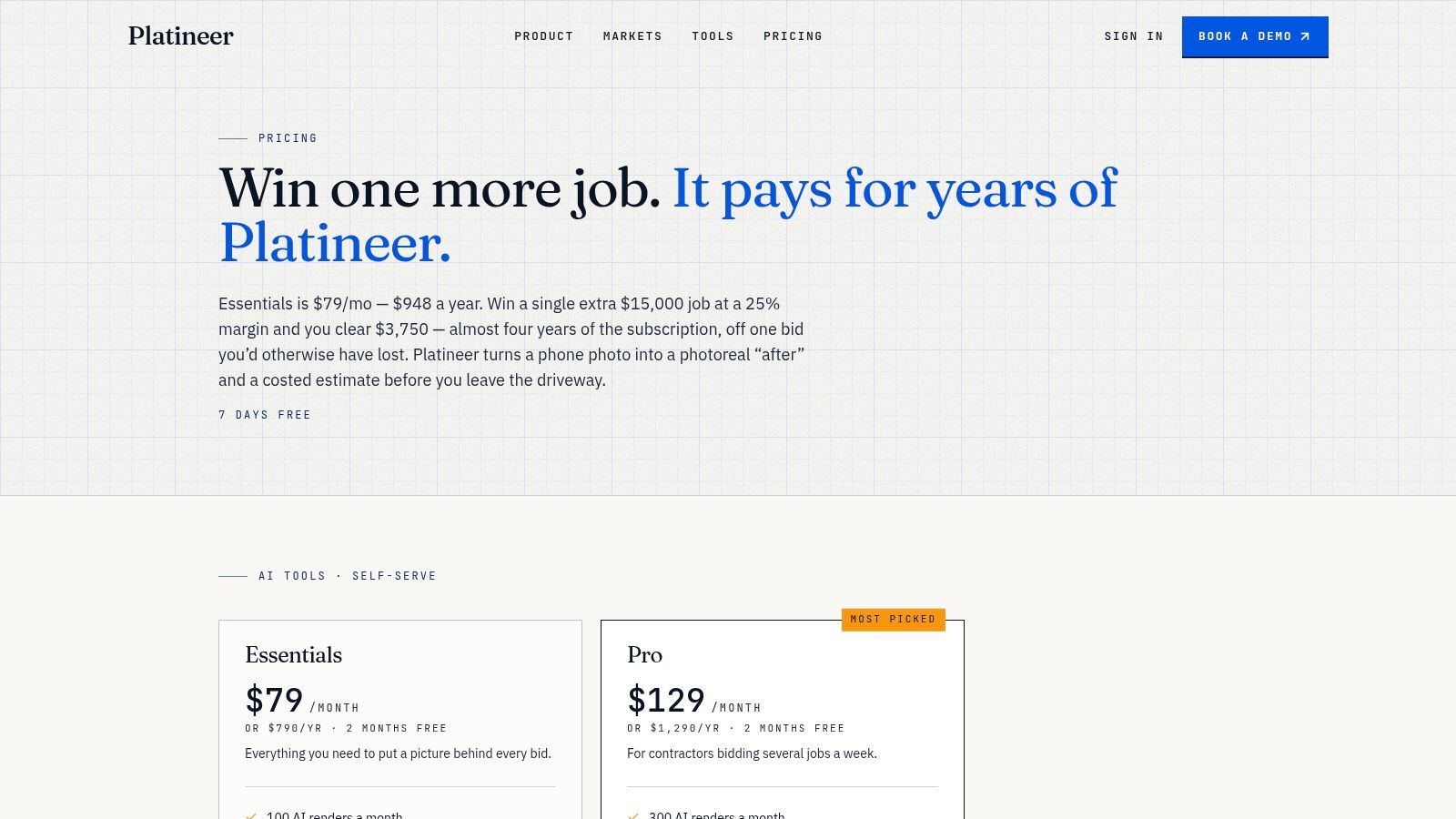
For rapid lead qualification and early outreach, Platineer Render is the most workflow-oriented option in this list. It creates a visual in seconds and attaches an auto-drafted scope of work, while the wider platform connects the render to project intelligence, prioritized leads, and decision-maker contacts. That combination makes it relevant before a complete model or formal bid package exists. Teams should still review the generated scope and confirm project facts before using them in estimating or contractual communication.
For frequent model changes and coordination, choose an in-model real-time renderer. Chaos Enscape is especially strong when Revit, SketchUp, Rhino, Archicad, or Vectorworks is the team's source of truth. The value isn't only faster imagery. It's avoiding repeated exports, reducing duplicated scene work, and keeping visual review close to the model that staff are already editing.
Dedicated real-time platforms such as Lumion Pro, Twinmotion, and D5 Render suit owner presentations, site context, animations, panoramas, and interactive reviews. Twinmotion's access model can help smaller firms test real-time visualization, while Lumion offers extensive environmental scene-building capability. D5 fits teams that want rapid GPU-based iteration and broad plugin support. Hardware, plan-gated collaboration, and model complexity should be part of the evaluation.
For hero-quality proposal imagery, V-Ray and Corona remain better aligned with teams that can support deeper technical and artistic workflows. They can justify their cost when a single image influences a major proposal or premium client presentation. They're less efficient when the firm needs dozens of rapid revisions or early-stage qualification visuals.
Unreal Engine belongs with organizations prepared to build a real-time AEC pipeline, digital twin, or custom interactive experience. Chief Architect Premier X18 and Cedreo are more practical for remodelers and residential contractors that need plans and visuals together, or that want sales staff to produce useful imagery without a specialist rendering department.
Judge the purchase by total workflow time, not image quality alone. Include model preparation, cleanup, host software, hardware, subscription access, cloud services, asset management, review cycles, version control, and the human verification required before a render or auto-drafted scope influences a bid. That approach is supported by the broader direction of the market. One estimate reported 2.3 million architectural visualization rendering software licenses worldwide in 2025, with cloud deployments representing 58% of installations and on-premises deployments 42% (Market Growth Reports). The adoption story is no longer about whether rendering belongs in AEC. It's about where it creates the most commercial value.
Research on adjacent construction workflows reinforces the same point. A peer-reviewed study reported 28% of overall labor costs saved through a learning-curve task-duration model, while another found 27% time savings and 36% labor-cost savings compared with traditional estimation methods that ignored learning effects (ASCE Library studyCO.1943-7862.0001515)). Digital takeoff can produce similar operational benefits. In a Coastal Construction case study, manual tracing fell from about 50% of estimator time to 10%, with 14.5 hours saved per plan set and approximately 13,920 hours saved per year (Coastal Construction case study).
Those figures don't prove that a renderer alone creates the same savings. They do show why teams should connect visual speed to estimating capacity. A faster render only becomes money saved when it helps staff qualify work, reduce revisions, improve scope clarity, or respond to the right client sooner.
Platineer connects construction project intelligence with tools that help trades act faster, including Render for job visuals in seconds and Estimate for early estimating support. Visit Platineer to see how its Houston, Austin, and Dallas-Fort Worth workflows can help your team find qualified opportunities, clarify scope, and move from lead to action sooner.